

 Authenticate
 Manage Users
 Customize
 Auth0 AI
 Platform
When you promote a connection to the domain level, any third-party application in your tenant can use it to authenticate users. This enables third-party applications to access your identity providers. Third-party applications can only use domain-level connections. Because dynamically registered clients cannot be individually mapped to connections at creation time, you must promote connections to the domain level when you use Dynamic Client Registration. You can promote a connection using the or the .Documentation Index
Fetch the complete documentation index at: https://docs-dev.auth0-mintlify.app/llms.txt
Use this file to discover all available pages before exploring further.
- Auth0 Dashboard
- Management API
You can promote a connection to the domain level directly from the Auth0 Dashboard. This option is available for all connection types (Database, Social, Enterprise, and Passwordless).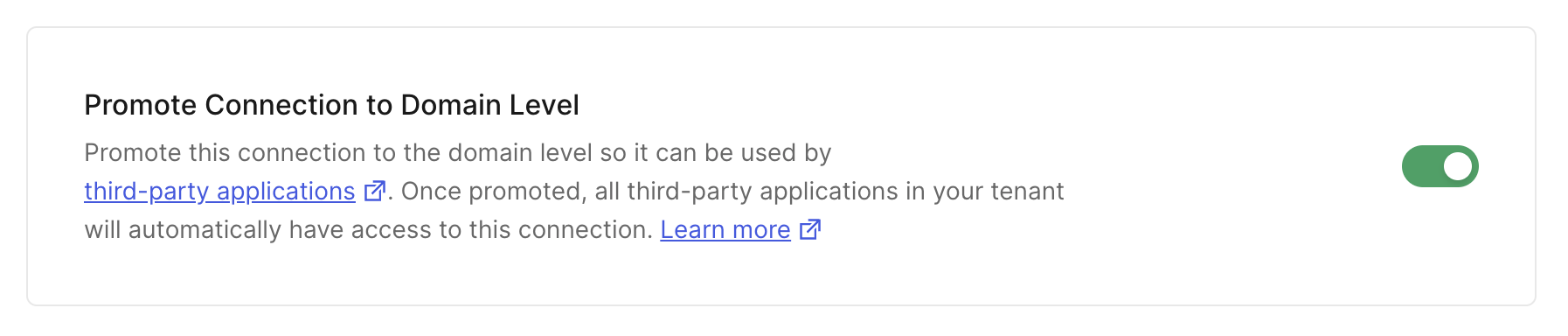
- Navigate to Dashboard > Authentication and select the connection type (e.g., Database, Social, Enterprise).
- Create a new connection or select an existing one to configure.
- Go to the Settings tab.
- Scroll down to find the Promote Connection to Domain Level setting, which is typically in the Advanced section.
- Enable the toggle switch.
- Click Save Changes.